Compare EMR and EHR Software: Differences, Features & Selection Guide for Clinics
Understand the differences between Electronic Medical Records (EMR) and Electronic Health Records (EHR), and learn how to select the right software for your clinic or hospital in India.
Understanding EMR vs. EHR: What Is the Difference?
Healthcare providers often use the terms EMR (Electronic Medical Record) and EHR (Electronic Health Record) interchangeably, but they represent distinct levels of digital health architecture. Choosing between an EMR and an EHR impacts how your clinic handles patient history, billing, pharmacy orders, and regulatory compliance.
An EMR is essentially a digital version of a paper chart in a clinician's office. It contains the medical and treatment history of the patients in one practice. An EHR, by contrast, goes beyond standard clinical data collected in a provider's office and is built to share information across different healthcare organizations, labs, and specialists seamlessly.
Side-by-Side Comparison: EMR vs EHR
| Feature / Dimension | Electronic Medical Record (EMR) | Electronic Health Record (EHR) |
|---|---|---|
| Primary Purpose | Digital record keeping for a single practice | Comprehensive, cross-provider patient health journey |
| Data Mobility | Stays within the single clinic system | Moves with patient to hospitals, labs, and specialists |
| Interoperability | Limited to local modules (OPD, Billing) | Full ABDM / HL7 / FHIR interoperability |
| Ideal For | Independent OPD clinics & single-physician practices | Multi-specialty hospitals, clinic chains & integrated networks |
| Implementation Speed | Same-day setup with minimal staff training | Requires workflow configuration across departments |
Key Features to Look for When Comparing Software
- Speed of E-Prescribing: Can the doctor write a prescription in under 30 seconds using smart auto-suggestions?
- ABDM M1, M2, M3 Compliance: Does the software support Ayushman Bharat Digital Mission health IDs and health record linking?
- Integrated Pharmacy & Lab Billing: Does OPD billing connect directly to inventory and diagnostic orders?
- Cloud Accessibility: Can doctors access patient records on mobile, tablet, and desktop with zero installation hassle?
- Data Security & Backups: Is patient data stored securely in Indian data centers with AES-256 encryption?
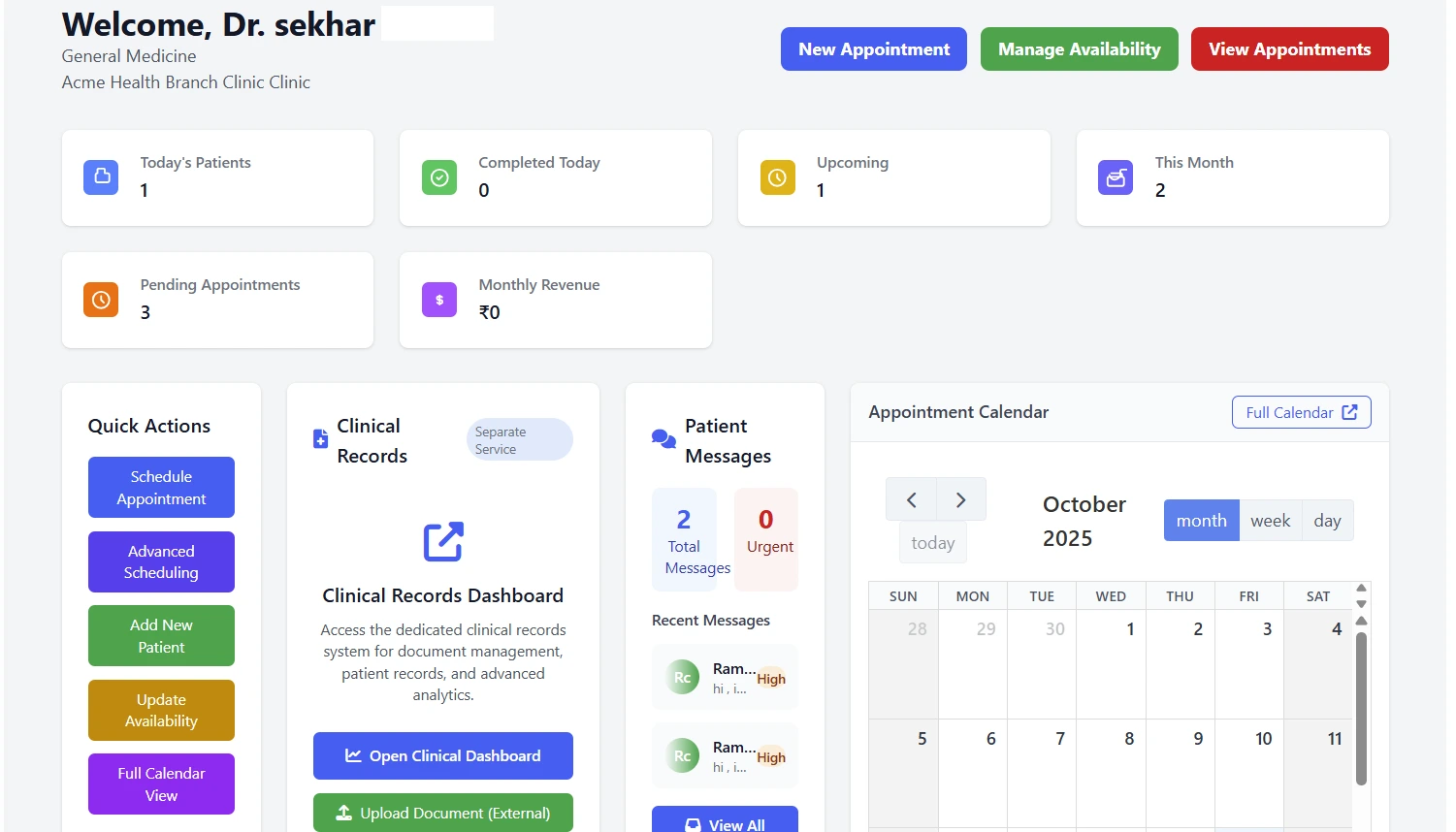
Why RxDoctor Bridges Both EMR and EHR Needs
RxDoctor provides the rapid, single-click prescribing of a lightweight EMR alongside full ABDM-compliant EHR capabilities, making it ideal for both independent clinics and growing healthcare centers in India.
How to Decide for Your Practice
If you run a solo OPD clinic focused on fast consultation flow and patient records, a streamlined EMR solution like RxDoctor gives you fast prescription generation, automated SMS reminders, and instant WhatsApp PDF sharing without complex setup.
If you operate a multi-doctor clinic, polyclinic, or day-care center requiring multi-department access, pharmacy inventory, and ABDM health ID generation, an integrated cloud EHR solution is essential.

Digitize Your Practice in 10 Minutes with RxDoctor
The complete cloud software for Indian doctors. Fast e-prescriptions, online appointments, OPD token queue, GST billing, and pharmacy inventory — all connected.
Disclaimer: This article is published for informational purposes to guide medical professionals and clinics. Software terms, feature specifications, and healthcare regulatory references are subject to updates.